
Ever find yourself hunting for the right sheet music at the exact moment you need it—only to discover it’s buried under old folders, renamed versions, and a suspiciously similar filename? What if you could turn your Google Drive into a music library that practically organizes itself? Here’s a playful thought: what would happen if you challenged yourself to build a “zero-stress rehearsal” system in under 30 minutes?
Potential challenge: Pick one song you use often and try applying these hacks today. If you can’t locate it faster by the end, your library gets one more upgrade on the spot.
1) Make “search-first” folders for instant rehearsal wins
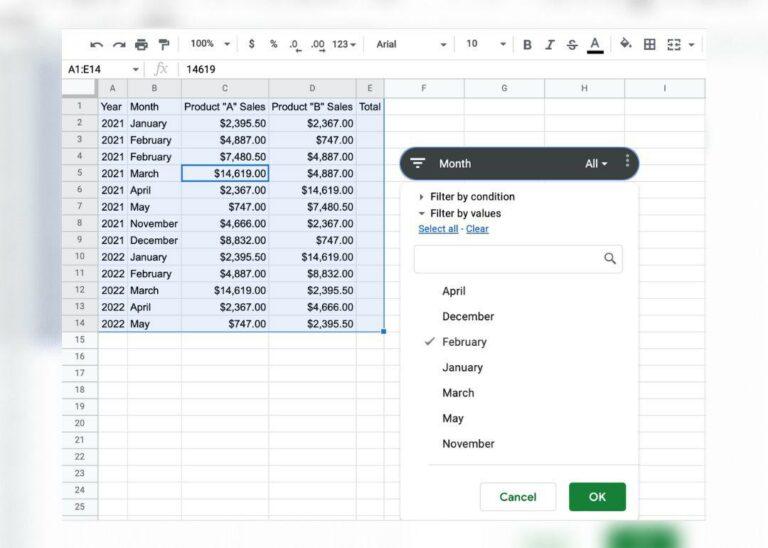
Instead of sorting sheet music by “vibes” (you know the folders: Final_Final, ActuallyFinal, and FINAL-for-real), set up folders that match how you search when time is tight. Try organizing by instrument + repertoire type (e.g., “Viola • Orchestra,” “Piano • Jazz Standards,” “Drum Set • Practice”). Then, keep filenames consistent with a pattern like Composer – Piece – Tempo/Edition. This makes Google Drive search feel like a superpower rather than a gamble.
2) Use clever naming conventions for editions and revisions
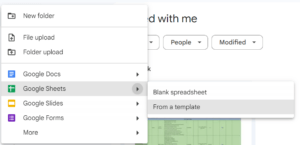
Sheet music often comes with revisions, arrangements, and multiple formats. To avoid the “Which version is this again?” spiral, build a naming system that highlights what changed. For example: Song Title – Arranger – Version – Date. If you have a “last updated” file, add “vNext” or “Working” so you can distinguish it instantly. You’ll thank yourself when you’re halfway through a rehearsal and your band asks, “Can we do the updated cut?”
3) Pin your practice pack with a simple “Test Drive” folder
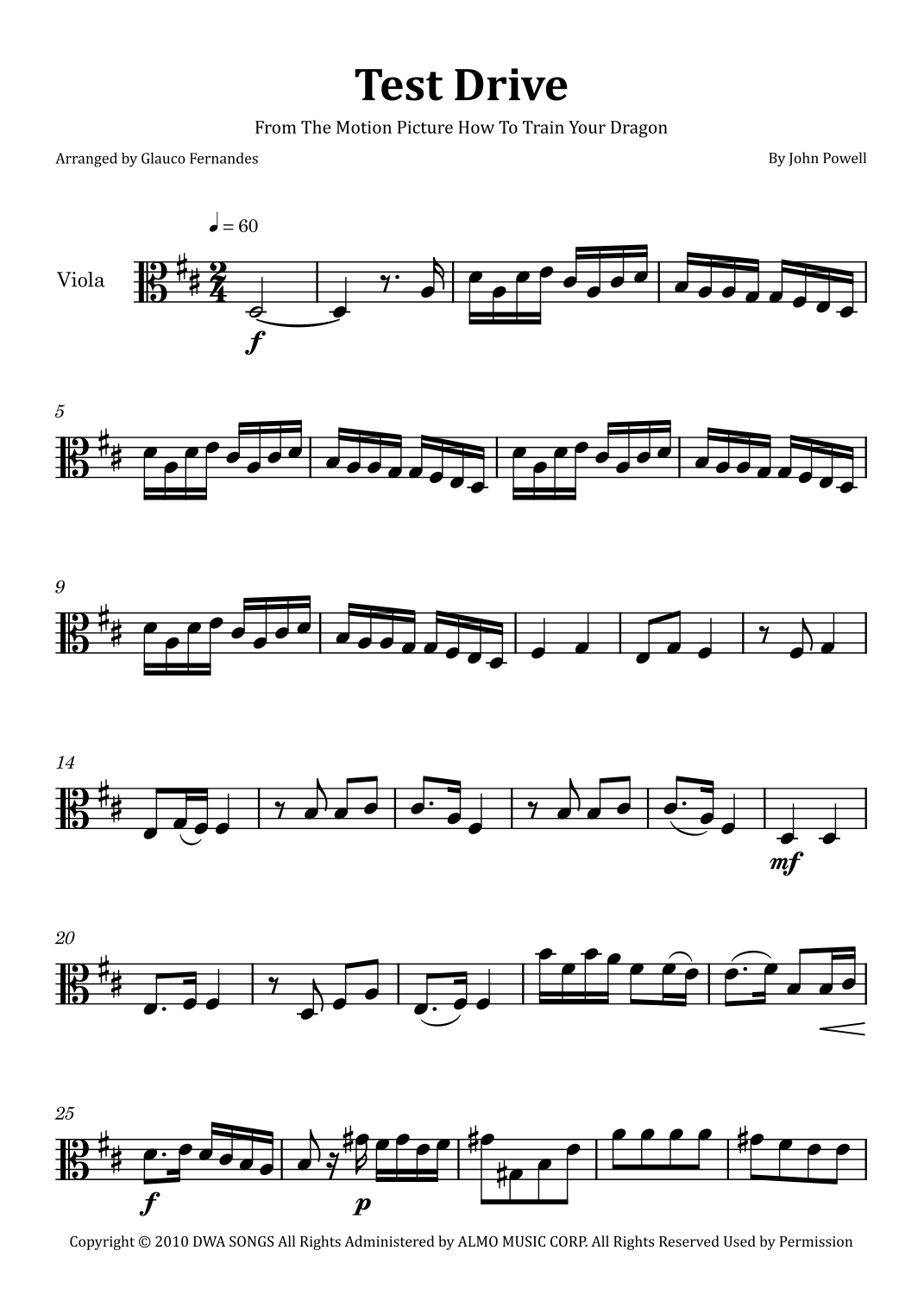
Want fewer mental tabs open? Create a dedicated folder called something like Practice Pack or Test Drive. Whenever you begin rehearsing a new piece, move it there. When the piece is no longer active, archive it (without deleting). This hack keeps your “in-use” materials visible and your “not right now” items out of the way, so you can grab the correct sheet quickly—especially during group rehearsals.
4) Turn a cheat sheet into a repeatable organization workflow
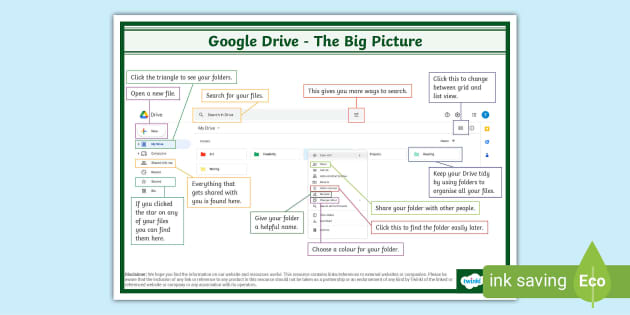
Organization shouldn’t require you to remember everything. Use a “one-page workflow” for how you upload, label, and store sheet music. For instance: decide your folder structure, your filename pattern, and a routine for adding new files (like “upload → rename → move → label”). Once that workflow exists, applying it becomes automatic—even on busy days. Think of it as your personal rehearsal stage manager.
5) Keep multi-instrument and instrument-specific sets from mixing up

If you play multiple instruments (or share folders with bandmates), create instrument-specific subfolders and use tags in filenames. For example: [Drum Set], [Acoustic Guitar], or [Viola]. Also consider storing collaborative materials in a “Shared Repertoire” area and personal practice pieces in your own “Solo Repertoire” area. This reduces the odds of accidentally grabbing the wrong part—and turning a rehearsal into an impromptu scavenger hunt.
Challenge check: Choose one piece you’ve been re-finding lately. Can you rename it with a consistent pattern and place it into the right “Practice Pack” folder? If yes, you’re officially building a Google Drive that plays as smoothly as your best run-through.
If you are looking for 15 Google Drive Hacks to Get Organized in 2026 | ClickUp you’ve came to the right place. We have 10 Images about 15 Google Drive Hacks to Get Organized in 2026 | ClickUp like 15 Google Drive Hacks to Get Organized in 2026 | ClickUp, 15 Google Drive Hacks to Get Organized in 2026 | ClickUp and also Test Drive (arr. Glauco Fernandes) by John Powell Sheet Music for Viola. Read more:
15 Google Drive Hacks To Get Organized In 2026 | ClickUp
clickup.com
15 Google Drive Hacks to Get Organized in 2026 | ClickUp
GOOGLE – Sheet Music For Drum Set, Acoustic Guitar
flat.io
GOOGLE – Sheet music for Drum Set, Acoustic Guitar
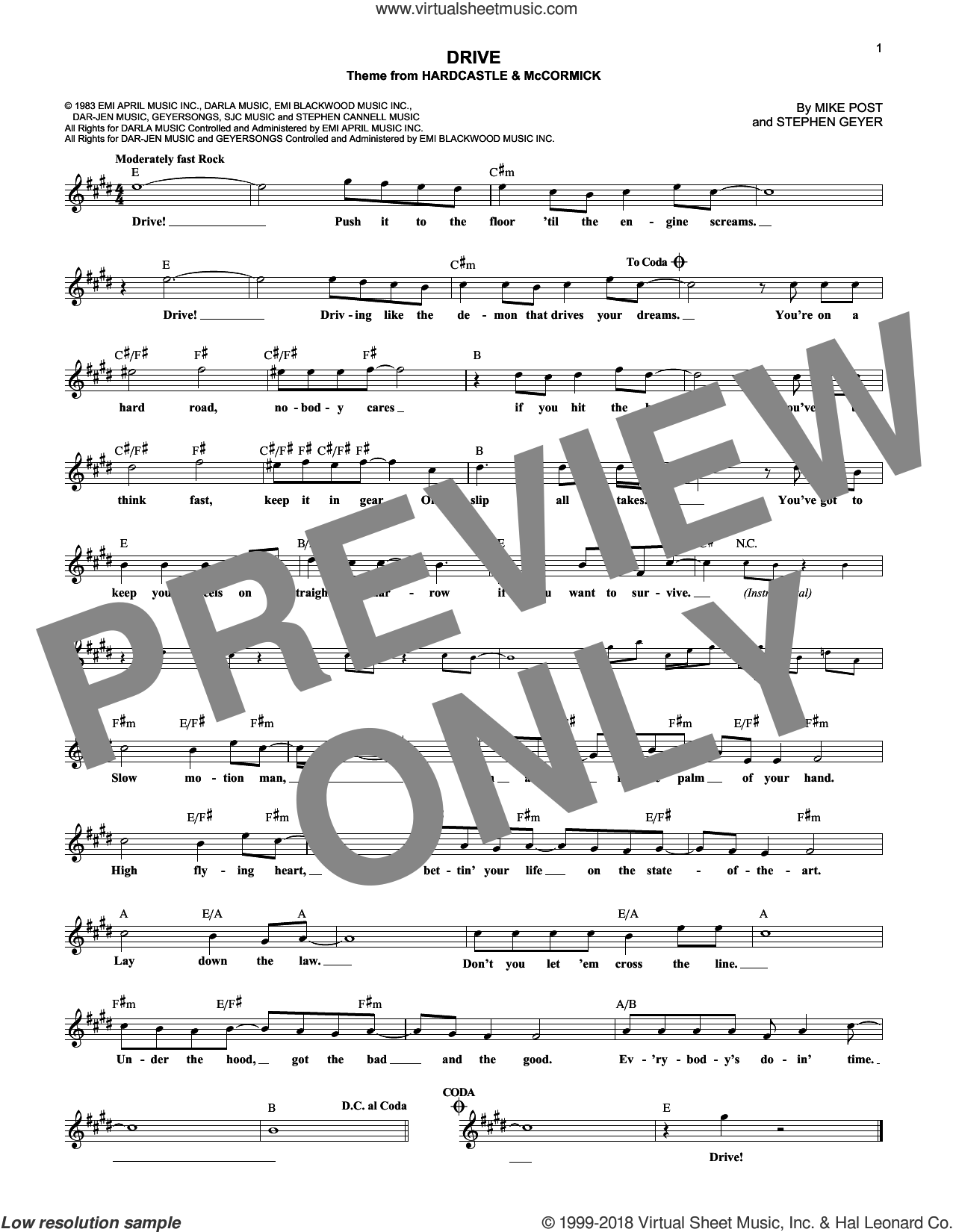
Drive Sheet Music For Voice And Other Instruments (fake Book)
www.virtualsheetmusic.com
Drive sheet music for voice and other instruments (fake book)
Google Drive Cheat Sheet (teacher Made) – Twinkl
www.twinkl.com.au
Google Drive Cheat Sheet (teacher made) – Twinkl
10 Google Sheets Hacks That Will Make Your Job Easier | ClickUp
clickup.com
10 Google Sheets Hacks That Will Make Your Job Easier | ClickUp
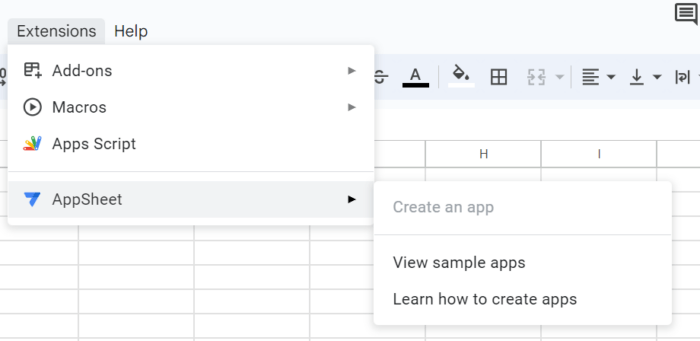
15 Google Drive Hacks To Get Organized In 2026 | ClickUp
clickup.com
15 Google Drive Hacks to Get Organized in 2026 | ClickUp
You Didn't Know – Hazbin Hotel – Sheet Music For Piano

flat.io
You Didn't Know – Hazbin Hotel – Sheet music for Piano
Test Drive (arr. Glauco Fernandes) By John Powell Sheet Music For Viola
www.sheetmusicdirect.com
Test Drive (arr. Glauco Fernandes) by John Powell Sheet Music for Viola …
15 Google Drive Hacks To Get Organized In 2026 | ClickUp

clickup.com
15 Google Drive Hacks to Get Organized in 2026 | ClickUp
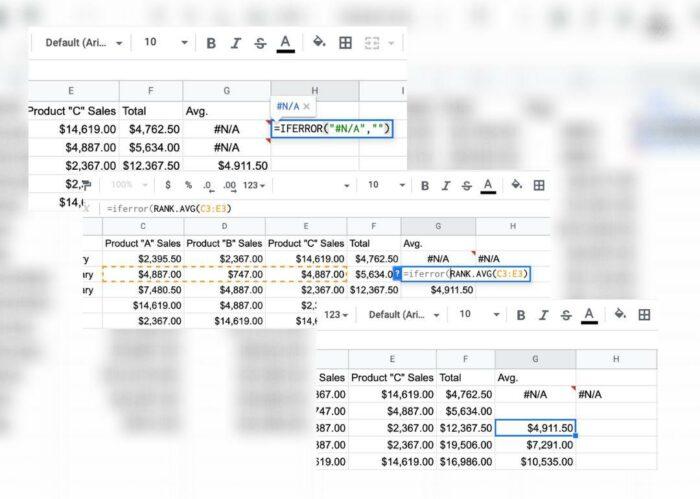
10 Google Sheets Hacks That Will Make Your Job Easier | ClickUp
clickup.com
10 Google Sheets Hacks That Will Make Your Job Easier | ClickUp

